The single biggest complaint in hybrid offices is not call quality. It is calling a colleague who is heads-down in a Teams meeting and having no way to know. SV2 fixes this on the handset itself.
What you see on the phone
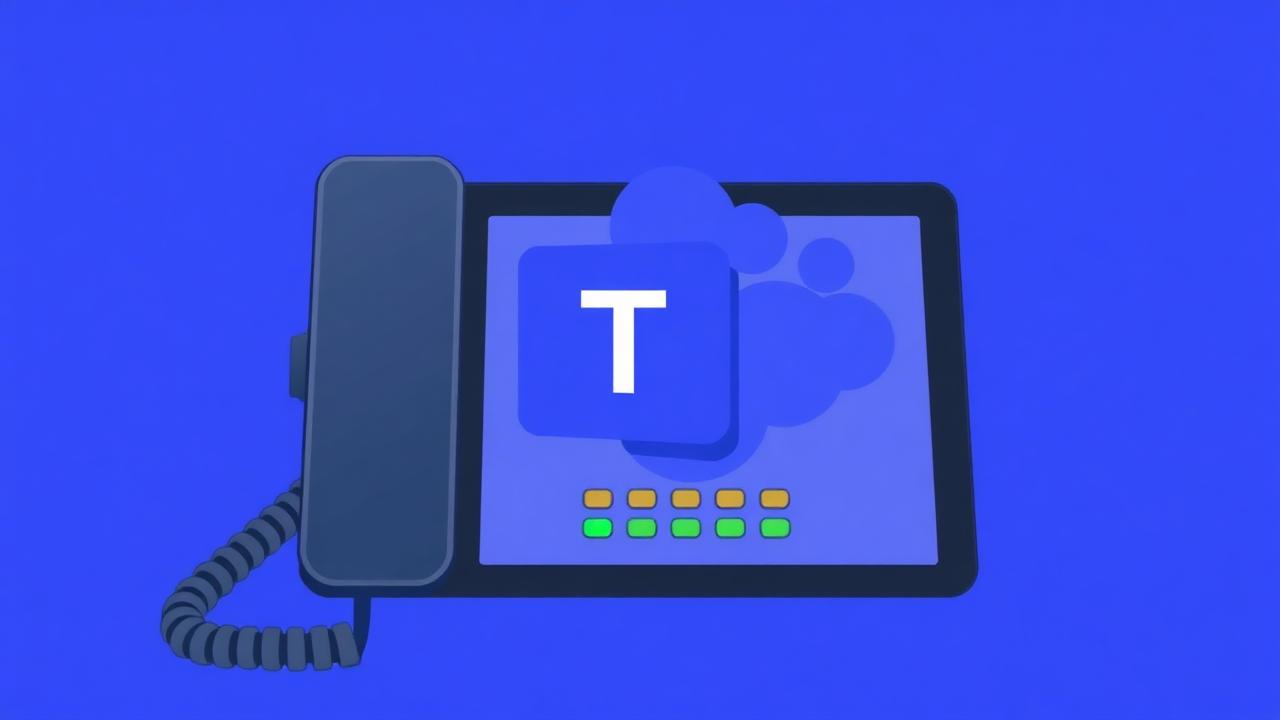
- A live presence dot next to each name in your favourites and BLF keys
- Green for available, yellow for away, red for busy or in a meeting
- One press to escalate to a Teams call instead of a voice call
Why it matters
~30%
Fewer interrupted meetings
Reported by early SV2 customers
2x
Faster first-time reach
When presence is visible at point of dial
0 min
Setup time per user
Synced from Microsoft 365
Works best on T7 and T8
Presence works on every SV2 handset, but the colour display and touchscreen on the T7 / T8 ranges make the at-a-glance experience much sharper.